KVH Antenna System Help
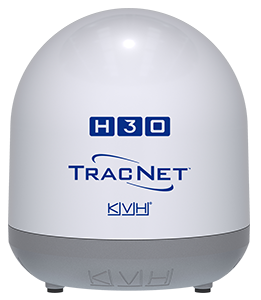
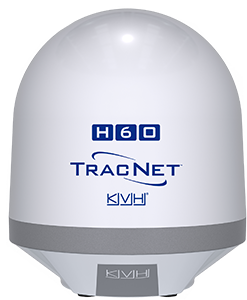
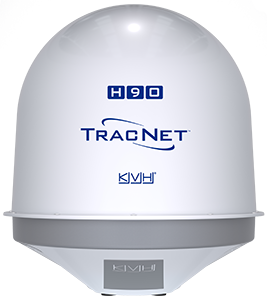
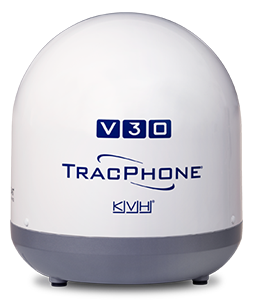
This section of the Help explains how to use, configure, troubleshoot, and maintain the KVH antenna system installed on the vessel.
IMPORTANT! If your antenna model is not shown at the top of the page, select your antenna model from the Filter tool. Then select one of the key topics below, use the Search tool, or select any topic listed under "Antenna Systems" in the Contents.
Key Topics
Note: If you are an authorized myKVH user for the vessel, you can also find status information and change system settings at the KVH Manager, which is accessible via any Internet connection. If using KVH Manager, your changes will be applied to the BDU onboard the vessel within a few minutes, assuming the antenna system is online. Tools that are unique to KVH Manager are explained in the "KVH Manager" section of the Help.
Note: For simplicity, the Help refers to the VSAT-HubTracNet Hub+TracNet Hub as the BDU (Below Deck Unit).

Was this topic helpful? Please share your feedback.
© 2024-2025, KVH Industries, Inc., All rights reserved.